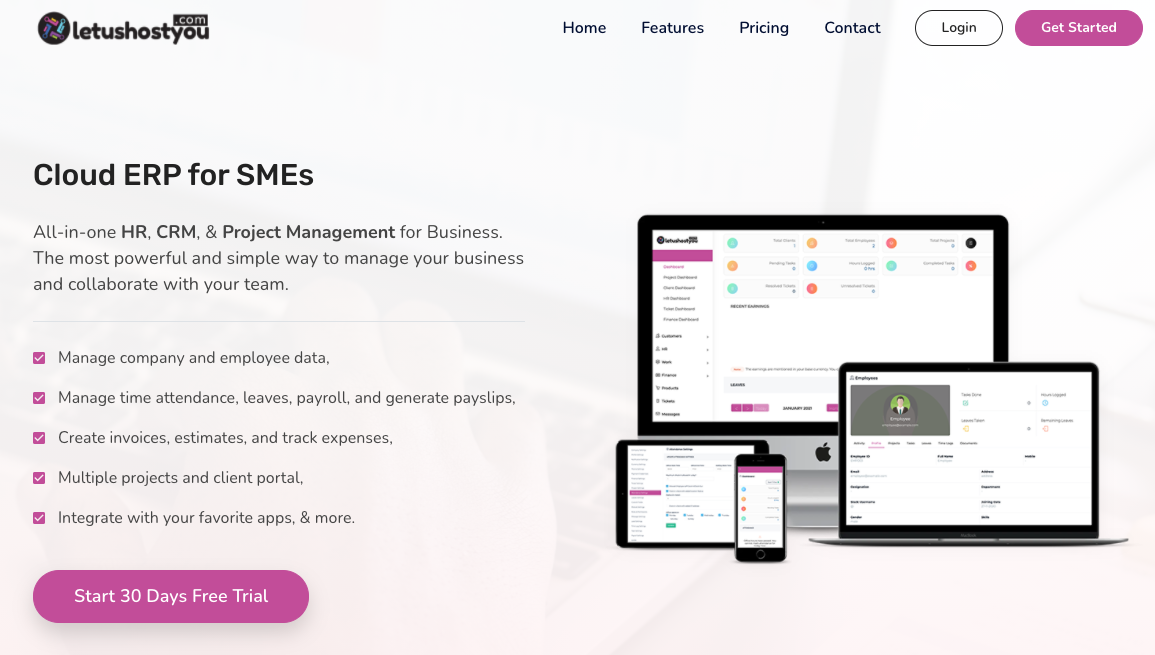
- Go to letushostyou.com
- At the top right corner, click Get Started
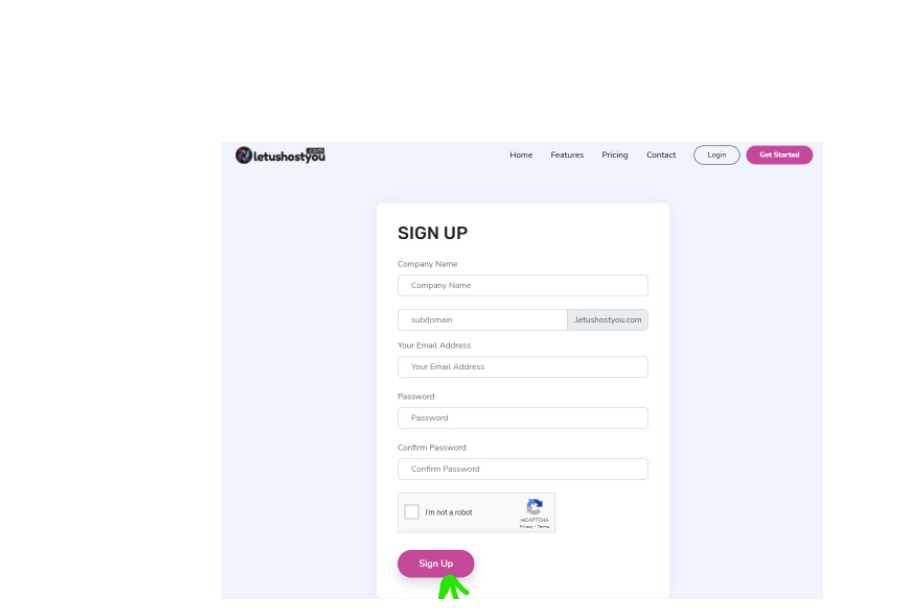
3. You can sign up by entering the company's name, work mail address, password, and your company's domain as a subdomain.
4. Click sign up!
5. you will receive a verification email after you have successfully signed up.
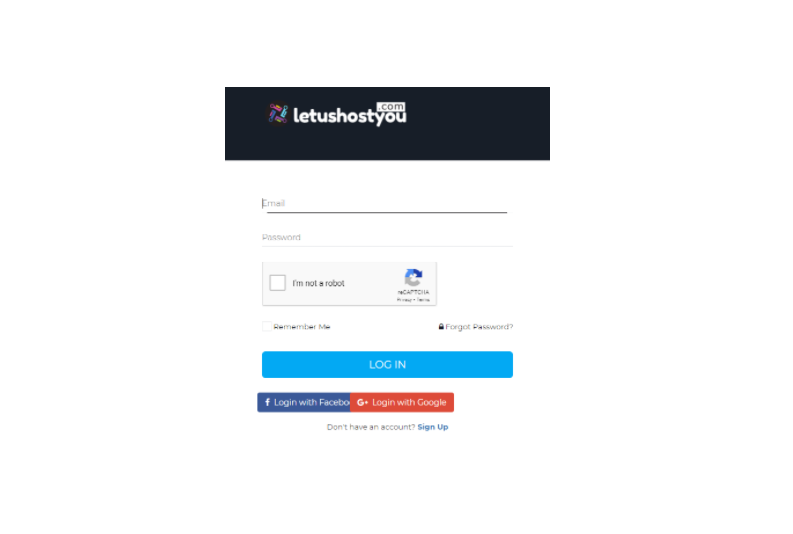
6. after this, you will be able to log in with your details here.
7. After successfully logging in, the first page that pops up is the admin panel.